Group 1 Members: Sahra, Freda, Leslie A, Candace, Mariah B, Allison B, Kesha
Introduction/Definition
Nursing informatics aims to enhance patient care by giving nurses quick access to patient data, supporting systematic assessments, reducing clinical errors, using evidence-based practices, improving cost-effectiveness, and improving patient safety and outcomes (Reid et al., 2026). Informatics is applied in various fields, including technology development, business, cybersecurity, product management, government, and healthcare. (Miller, 2025). Informatics offers significant benefits to healthcare by informing and influencing information technology systems.
In nursing, informatics is essential because nurses handle a significant amount of information; every note constitutes data. Informatics helps us convert this raw data into meaningful insights, enabling us to make better decisions for our patients and ensuring their safety.
Examples of informatics used in everyday nursing include Clinical Decision Support, Electronic Health Records (EHR),Barcode Medication Administration (BCMA), Mobile Technology, and Interprofessional Communication
Clinical Decision Support in Nursing Practice
Clinical decision support systems are one example of how nursing informatics is used in everyday patient care. These systems use patient information already entered into the electronic health record to help identify potential risks and prompt clinicians to take appropriate action. Miller (2025) explains that clinical decision support systems analyze patient health information and provide recommendations that can assist healthcare professionals with clinical decision-making. Examples include electronic alerts, reminders, order sets, and documentation prompts.
In clinical practice, one example is the use of Best Practice Advisories within Epic. Nurses enter patient data such as vital signs, laboratory values, assessments, and other findings into the electronic health record. When certain criteria are met, the system can generate an alert that draws attention to a possible clinical concern. For example, at my hospital, a combination of findings such as fever, tachycardia, and hypotension may trigger a sepsis alert. The alert prompts the nurse to reassess the patient, notify the provider and team lead, and consider interventions such as blood cultures, intravenous fluids, and other components of the sepsis protocol as appropriate. These alerts do not replace nursing judgment, but they can support early recognition, communication, and timely intervention.
Other examples of Support in Nursing Practice:
Sepsis alerts
Allergy and medication interaction warnings
Fall-risk alerts
Condition-specific order sets
Documentation reminders
Abnormal vital-sign notifications
Lab notifications
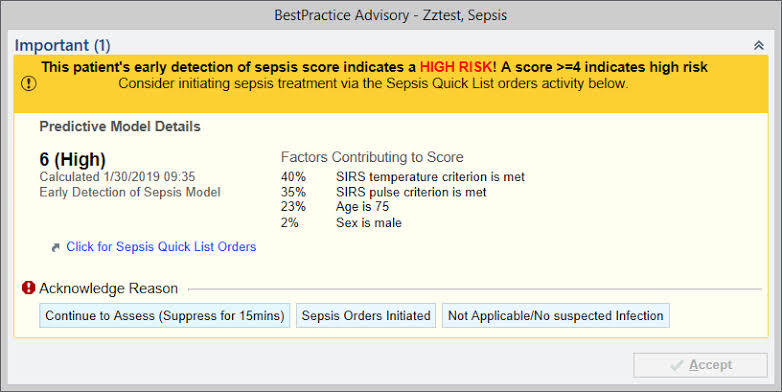
an example of an Epic Sepsis BPA
Electronic Health Records and Nursing Documentation
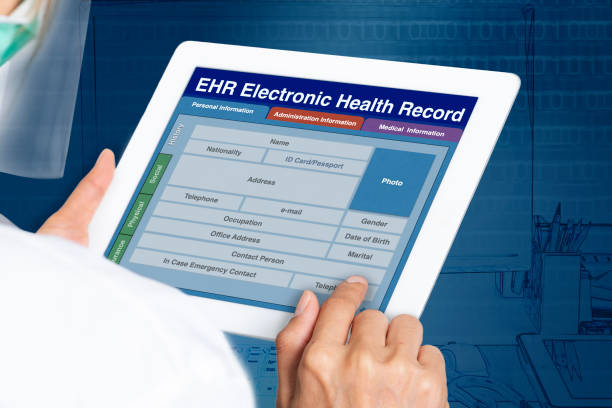
Electronic health records (EHRs) are one of the most common examples of nursing informatics in clinical practice. Nurses use the EHR throughout the entire shift to document assessments, review patient information, administer medications, communicate changes in condition, and evaluate the patient’s response to treatment. Electronic nursing documentation can support patient safety, quality of nursing care, and accurate documentation by making important clinical information available to healthcare professionals (Wahyuni et al., 2024).
In clinical nursing practice, Epic is an example of an EHR that brings together information such as vital signs, laboratory results, medication records, provider orders, nursing assessments, intake and output, and previous medical history. Instead of viewing these pieces of information separately, nurses can use the EHR to recognize trends and changes in a patient’s condition. For example, a nurse may notice that a patient’s blood pressure has gradually decreased, urine output has declined, and laboratory values have changed over several hours. Having this information organized within the EHR can help the nurse recognize that the patient’s condition may be worsening and communicate those concerns to the healthcare team.
Nursing documentation is also an important part of informatics because the information nurses enter becomes data that can be used beyond the care of one individual patient. EHR data can contribute to quality improvement, patient safety initiatives, research, and evaluation of patient outcomes. Accurate and timely documentation is therefore important not only for communication but also for ensuring that healthcare data accurately reflects the care patients receive.
Clinical Examples:
- Documenting nursing assessments and reassessments
- Trending vital signs and laboratory results
- Reviewing medication administration records
- Monitoring intake, output, and other patient data
- Reviewing provider orders and plan-of-care updates
- Sharing current patient information across the interdisciplinary team
- Using documentation data for quality improvement and patient safety
Barcode Medication Administration and Patient Safety
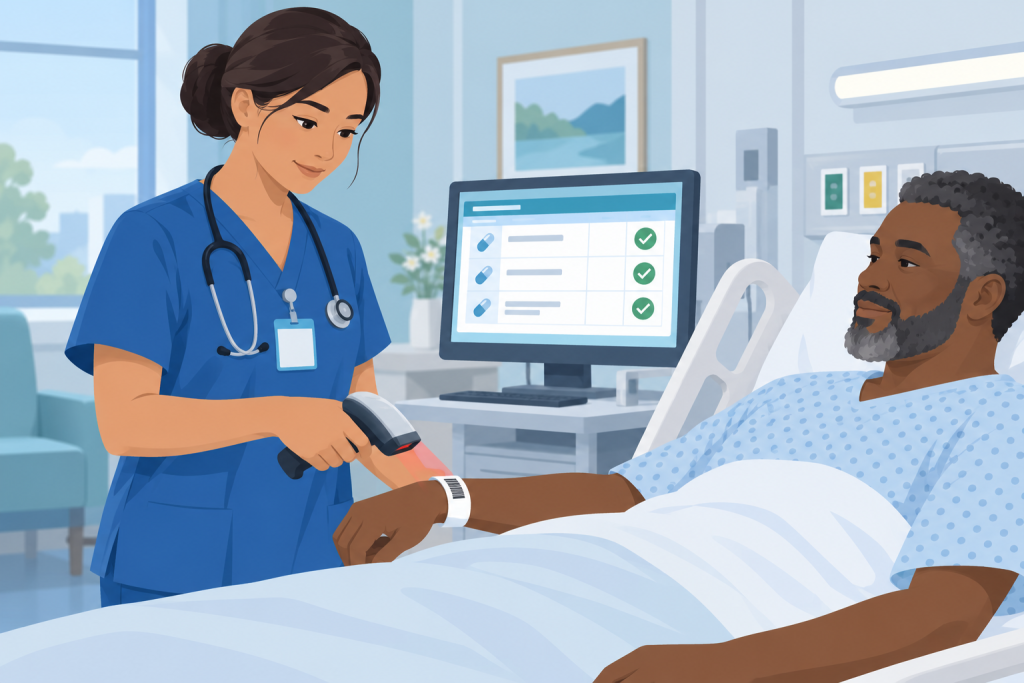
Another way nursing informatics is used in everyday nursing practice is through barcode medication administration (BCMA). This is something nurses use throughout their shift when passing medications. Before giving a medication, the nurse scans the patient’s wristband and then scans the medication. The system checks the information against the patient’s electronic medication record and can alert the nurse if something does not match.
Barcode scanning adds another safety check and can help prevent medication errors. One study found that medication error rates decreased after barcode medication administration technology was implemented in an emergency department (Gauthier-Wetzel, 2022). Even with this technology, nurses still have to use their clinical judgment. We are responsible for checking the medication order, patient allergies, appropriate vital signs and labs, and making sure the medication is safe to give. Technology can help catch mistakes, but it does not replace actually assessing and knowing your patient.
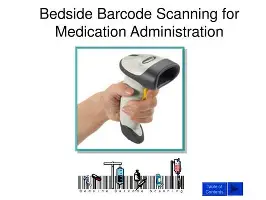
Example: Patient wristband → Scan medication → Verify order → Review alerts → Give medication → Document
Mobile Technology and Interprofessional Communication
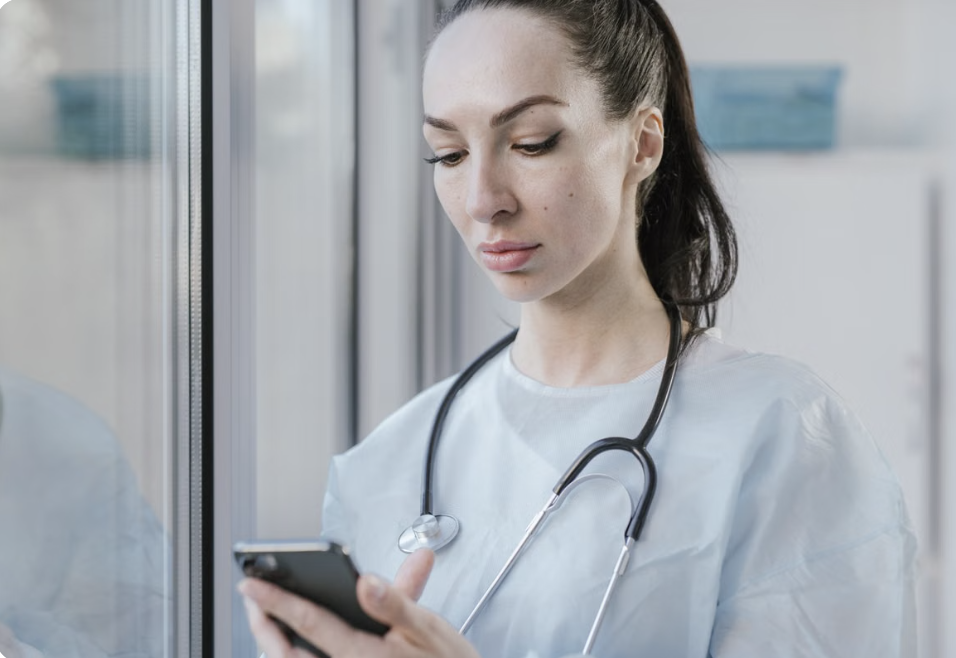
Mobile technology is another way nursing informatics is used in everyday clinical practice. Hospital-approved smartphones and mobile applications can give nurses access to patient information and provide a convenient way to communicate with other members of the healthcare team. Research has shown that using smartphones in the clinical setting can improve communication between nurses and physicians, reduce interruptions during patient care, and decrease the amount of time nurses spend waiting for returned calls (Whitlow et al., 2014).
One example from my nursing practice is the use of hospital-issued iPhones. I can access Epic from the device while providing patient care, allowing me to review information such as laboratory results, medications, and provider orders without always returning to a computer workstation. I also use PerfectServe on the work iPhone to communicate with providers and other members of the healthcare team. For example, if I notice a change in a patient’s condition or need clarification about an order, I can use secure communication technology to contact the appropriate healthcare professional.
Although mobile technology can improve access to information and communication, it does not replace nursing judgment or direct communication when a situation is urgent or complex. Nurses must determine the most appropriate method of communication while continuing to protect patient privacy and follow organizational policies.
Clinical Examples:
- Accessing the electronic health record from hospital-approved mobile devices
- Reviewing laboratory results, medications, and provider orders
- Securely communicating with providers and other healthcare professionals
- Receiving clinical notifications and updates
- Coordinating patient care with the interdisciplinary team
Nursing Informatics plays a huge role in nursing care and patient care. Nursing informatics has brought a change to nursing as a whole. Often an RN interested in informatics takes on the role of a “super user” on their unit and is involved in supporting staff with integrating new HIT(Miller,2025). The impact that having these useful tools at the disposal of the nurses can help make the shift work better and allows for the nurses to have more time to give patient care. When nurses have things in place that help them navigate throughout their day it frees up more time to actually focus on the care we give our patients. Having a nurse on the unit that you work on be fluent in informatics also helps when questions arise and problems occur.
Mobile technology can also support patient safety by helping nurses communicate important information with the healthcare team more efficiently. When using mobile devices, nurses must protect patient information by using secure, hospital-approved applications and following organizational policies. Nurses also need to recognize when a change in a patient’s condition requires immediate verbal communication rather than relying only on an electronic message. Technology can improve communication and workflow, but nursing judgment remains essential when determining the safest and most appropriate way to communicate patient information (Collins, 2019).
Please click the link for additional resources
https://youtu.be/W0w31NPCu0g?si=xRGTpES6RDEfCLcL
https://youtu.be/ub1ScYHH3GE?si=YwKZ4IiEzQ68HEN4
https://www.himss.org/resources/what-nursing-informatics
References
Collins, R. (2019). Nurses’ perceived usefulness of secure texting applications for the purpose of patient care. Online Journal of Nursing Informatics, 23(1).
Gauthier-Wetzel, H. E. (2022). Barcode medication administration software technology use in the emergency department and medication error rates. Computers, Informatics, Nursing, 40(6), 382–388. https://doi.org/10.1097/CIN.0000000000000846
Miller, K. (2025). Informatics and nursing: Opportunities and challenges (7th ed.). Wolters Kluwer.
Nursing Informatics. (2024, September 15). Electronic health record (EHR) Overview [Video]. https://youtu.be/W0w31NPCu0g?si=XKtOXWBvpoKls8lk
Nursing Informatics. (2020, November 12). Nursing Informatics Overview [Video]. https://youtu.be/ub1ScYHH3GE?si=NJLerx58GWV7Pcn6
Reid, L., Button, D., Breaden, K., & Brommeyer, M. (2026, January 27). Nursing Informatics and Undergraduate Nursing Curricula: A scoping review. MDPI. https://www.mdpi.com/2039-4403/16/2/42
Wahyuni, E. D., Nursalam, N., Dewi, Y. S., Arifin, H., & Benjamin, L. S. (2024). Electronic nursing documentation for patient safety, quality of nursing care, and documentation: A systematic review. Journal of the Pakistan Medical Association, 74(9), 1669–1677. https://doi.org/10.47391/JPMA.9996
Whitlow, M. L., Drake, E., Tullmann, D., Hoke, G., & Barth, D. (2014). Bringing technology to the bedside: Using smartphones to improve interprofessional communication. Computers, Informatics, Nursing, 32(7), 305–311. https://doi.org/10.1097/CIN.0000000000000063